Platform
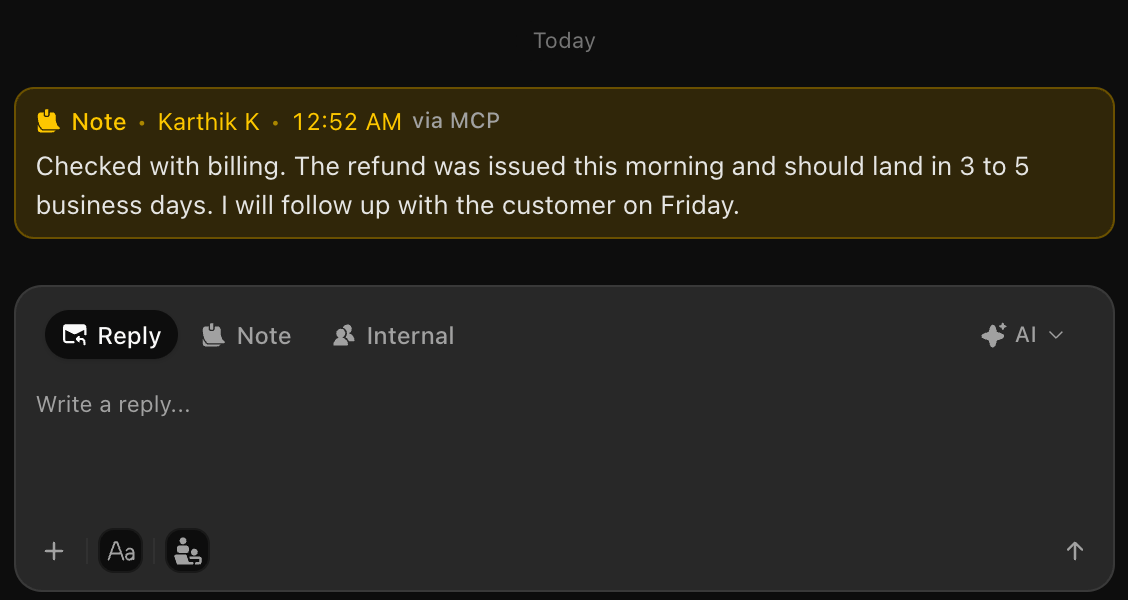
Notes, replies and changes made through the SupportWire MCP are now marked via MCP, and the dashboard shows how much your team uses it.
Earlier today we shipped the new SupportWire MCP server. Now you can see exactly what your AI assistant did, without leaving the inbox.
What's new
- Marked via MCP. Notes, replies and conversation activity created through the MCP carry a small "via MCP" badge. Hover it to see which app made the change and which tool it used.
- An MCP channel icon. Conversations started by an assistant show an MCP icon in the conversation list, so they stand out at a glance.
- MCP calls on the dashboard. A new tile shows how many MCP calls your team made, split into reads and writes, plus the tool used most.
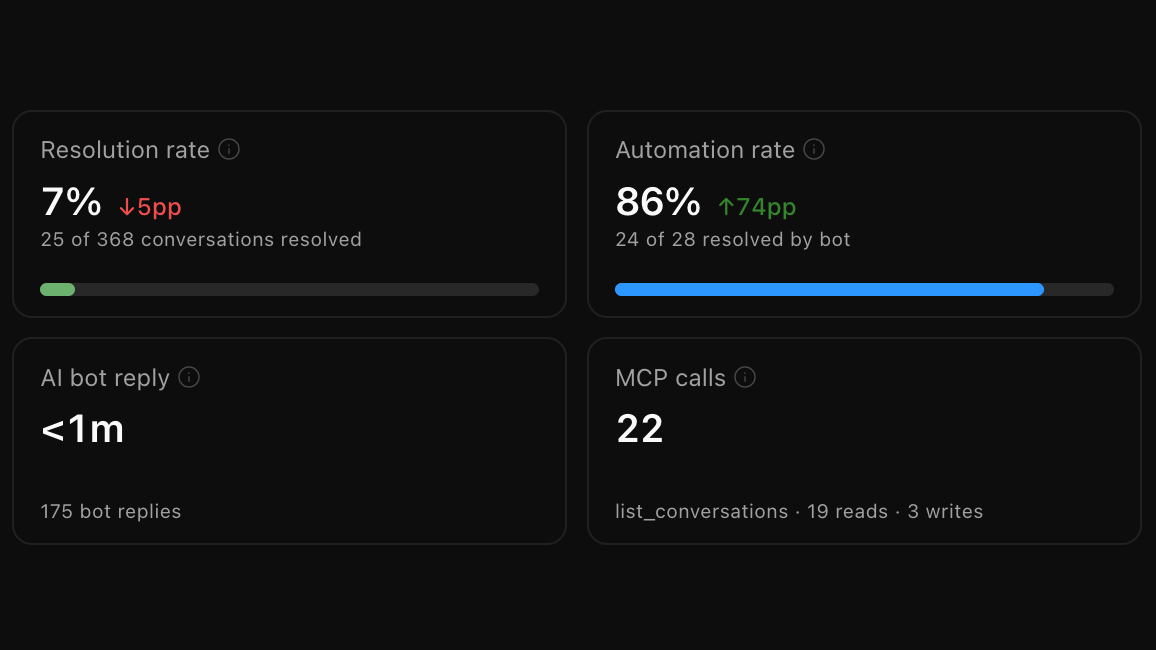
Everything is recorded per workspace, so you can always audit what your assistant touched and when.
Already connected? There's nothing to set up. It works on your next call.