How to Connect Claude Code to Your Support Inbox (MCP in 3 Steps)
Connect Claude Code to your SupportWire inbox with one command, sign in with OAuth, and triage, draft and assign conversations from your terminal. No API keys.
SupportWire runs a remote MCP server, so Claude Code can read and work your live support queue. Setup takes three steps and no API keys.
Connect Claude Code in 3 steps#
-
Add the server. In your terminal, run:
claude mcp add --transport http supportwire https://mcp.supportwire.ai/mcp -
Sign in and pick your organization. On first use, a browser OAuth window opens. Sign in, choose your SupportWire organization and approve the scopes. Claude acts as you, with your role limits.
-
Ask Claude to work the queue. Try "list my open conversations", "draft a reply to the latest one with our refund policy", or "assign this conversation to Priya".
What Claude can do once connected#
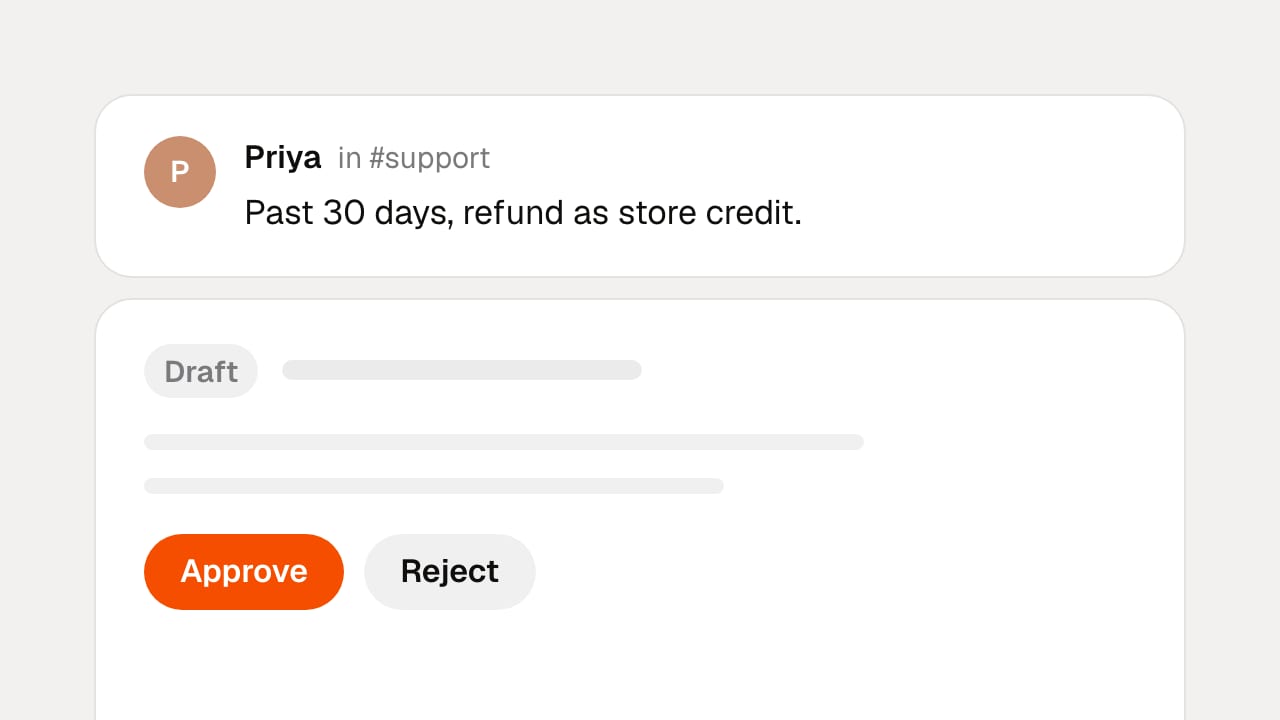
The server exposes tools across eight areas: conversations, messages, internal notes, customers, segments, tasks, team members, and organization settings. That covers listing, filtering, assigning and replying to conversations, updating customer records, and adjusting settings. Anything a customer would see is drafted first and needs a confirmed send.
Good first prompts#
- "Summarise today's unassigned conversations and suggest an owner for each."
- "Draft replies for the three oldest open conversations, but do not send."
- "Find customers who wrote in about billing this week."
Other clients#
The same endpoint works with Claude, ChatGPT, Cursor and VS Code using a short JSON config. See the MCP page for each client, and MCP servers for customer support, compared if you are choosing between help desks. MCP is included in SupportWire's one plan at $19 per seat. See pricing.
Frequently asked questions
No. SupportWire's MCP server uses browser OAuth. There are no long-lived API keys to paste into config files.
The same endpoint works with Claude, ChatGPT, Cursor and VS Code. See the MCP page for each client's setup.
Yes. Revoke access any time under Settings, OAuth Apps in SupportWire.
Updated November 2026